Torzon Market Access Guide — Tor & Security Setup
A detailed walkthrough for setting up Tor Browser, Tails OS, PGP encryption, and Monero wallets to access the Torzon marketplace with maximum privacy and protection. Follow each section in order for the best results.
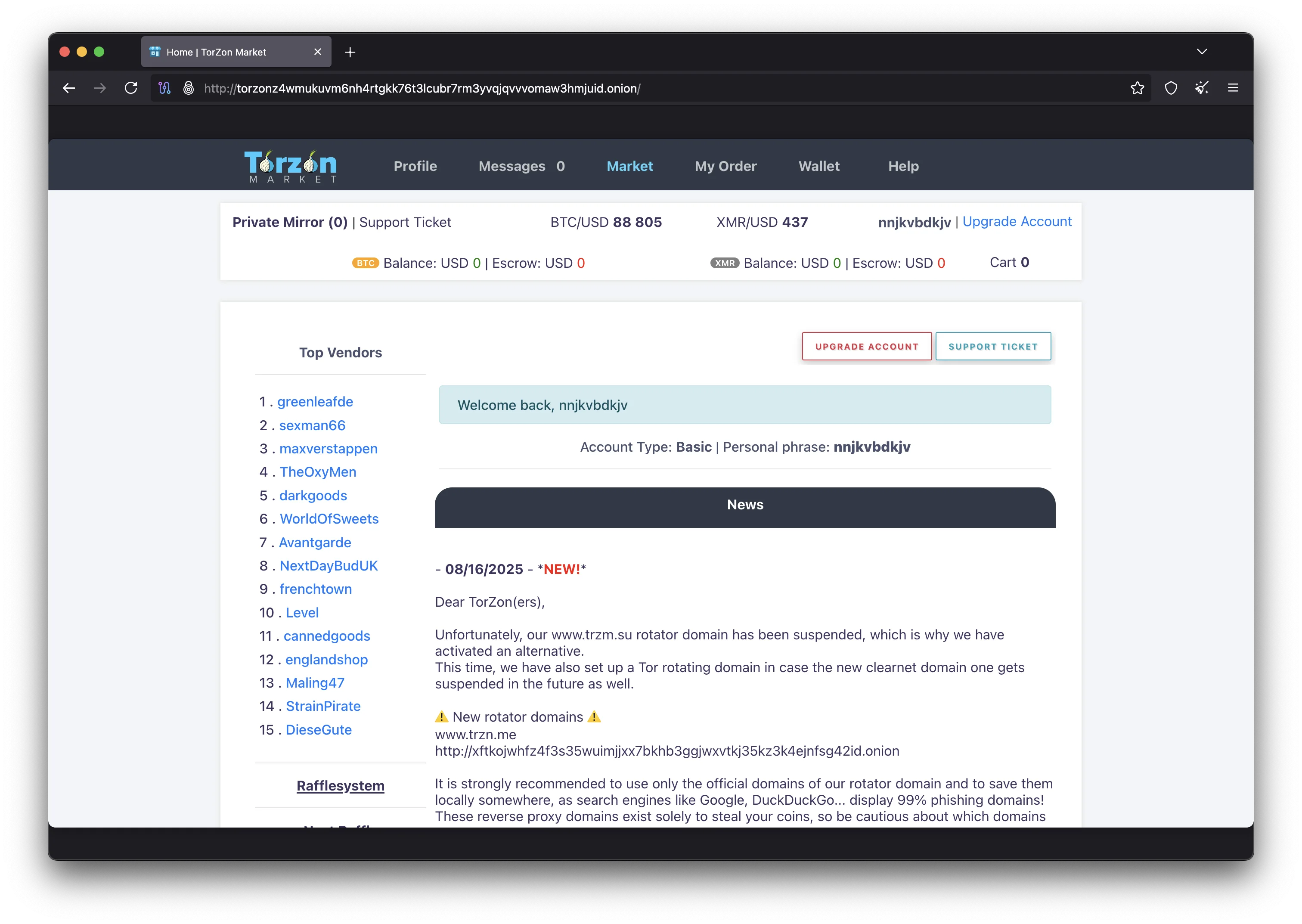
This Torzon access guide covers every tool and technique you need to connect to the marketplace with proper security measures in place. Whether you are setting up Tor Browser for the first time or configuring an advanced Whonix and Qubes environment, each section provides the specific commands, settings, and verification steps required for safe access. The guide is organized in order of implementation: start with Tor Browser installation, then move on to Tails OS if you want additional protection, set up your PGP keys for encrypted communication and authentication, configure your cryptocurrency wallet, and finally connect to the Torzon marketplace. Experienced users can skip directly to any section they need.
The Torzon marketplace operates as a hidden service on the Tor network, which means regular browsers cannot reach it. You must use Tor Browser or an operating system that routes all traffic through the Tor network, like Tails or Whonix. The marketplace accepts both Bitcoin and Monero for payments and offers multiple layers of account protection including PGP two-factor authentication, TOTP authenticator support, and FIDO2/WebAuthn hardware security keys. Visit the homepage for a quick-start overview, or check the main Torzon site for general marketplace information. Before you access Torzon for the first time, it is worth investing 30 minutes in proper setup to avoid common mistakes that could compromise your privacy or expose you to phishing attacks.
Tor Browser Installation and Configuration
Tor Browser is the primary tool for accessing the Torzon marketplace and any other .onion hidden service on the Tor network. The browser is built on Mozilla Firefox ESR with modifications that prevent tracking, fingerprinting, and data leakage. Download Tor Browser only from the official Tor Project website to ensure you get an unmodified copy. The download page provides installers for Windows, macOS, Linux, and Android. There is no official iOS version because Apple's App Store restrictions prevent Tor from functioning correctly on that platform.
After downloading the installer, verify its integrity before running it. The Tor Project publishes GPG signatures alongside every download. Import the Tor Browser developers' signing key into your GnuPG keyring and verify the signature of the downloaded file. If you are on Windows, right-click the installer and check its properties to confirm the digital signature is valid. This step is not optional — a tampered Tor Browser installer could log your traffic, inject malicious code, or redirect you to phishing sites that look identical to the real Torzon Market login page.
Once installed, open Tor Browser and click the Connect button. The browser will establish a connection to the Tor network through a series of relays. After connecting, click the shield icon in the top-right toolbar and set the security level to Safest. This disables JavaScript, remote fonts, certain image formats, and other features that could be used to fingerprint your browser or exploit vulnerabilities. The Torzon marketplace is fully functional with JavaScript disabled because it was built with security-first design principles. Keep the Safest setting enabled for all marketplace access. Read the EFF's surveillance self-defense guides for additional browser hardening recommendations.
On Windows, run the .exe installer and choose an installation directory. You can install to a regular directory or to a portable USB drive. Do not install to Program Files if you want to avoid UAC prompts. On macOS, drag the Tor Browser application to your Applications folder. On Linux, extract the tar.xz archive to your home directory and run the start-tor-browser.desktop file. For all platforms, do not run Tor Browser as root or administrator, as this increases the attack surface if the browser is exploited.
Setting Up Tails OS for Maximum Privacy
Tails (The Amnesic Incognito Live System) is a portable operating system designed for privacy and anonymity. When you boot Tails from a USB drive to access Torzon, it runs entirely in your computer's RAM without touching the internal hard drive or SSD. All network traffic is automatically routed through the Tor network. When you shut down, Tails wipes its memory, leaving absolutely no trace of your activity on the computer. This makes Tails the recommended environment for accessing the Torzon marketplace when you need the highest level of privacy.
To set up Tails, download the USB image from tails.boum.org and verify its PGP signature using the Tails signing key. You need a USB drive with at least 8 GB of storage. On Windows, use balenaEtcher or Rufus to write the image to the USB drive. On macOS and Linux, you can use the dd command or balenaEtcher. Once written, restart your computer and boot from the USB drive by changing the boot order in your BIOS or UEFI settings. The specific key to access boot settings varies by manufacturer (typically F2, F12, Del, or Esc during startup).
After booting into Tails, you have the option to set up a persistent encrypted storage volume on the USB drive. This persistent volume lets you save your PGP keys, Monero wallet data, KeePassXC password database, and Tor Browser bookmarks between Tails sessions. The persistent volume is encrypted with LUKS and requires a passphrase each time you boot. Enable persistence for the specific data types you need — at minimum, enable GnuPG keys and dotfiles for Torzon marketplace access. Files saved outside the persistent volume are erased when Tails shuts down. Tails comes with Tor Browser, GnuPG, and an Electrum Bitcoin wallet pre-installed. For Monero, use the command-line wallet tools available through the Tails package manager.
PGP Key Generation and Link Verification
PGP (Pretty Good Privacy) encryption is central to safe Torzon Market access for two reasons: it lets you verify that .onion links are authentic, and it enables the strongest available two-factor authentication on the marketplace. GnuPG (GPG) is the open-source implementation of the OpenPGP standard that you will use to generate your keys and perform verification. GnuPG is pre-installed on Tails and most Linux distributions. On Windows, install Gpg4win from gpg4win.org. On macOS, install GPG Suite or use Homebrew to install gnupg.
To generate your PGP key pair, open a terminal and run gpg --full-generate-key. Select RSA and RSA as the key type, choose a 4096-bit key size for maximum security, and set the key to never expire (or set an expiration date and extend it as needed). Enter a pseudonym as your name — do not use your real name or any identifier connected to your real identity when creating keys for Torzon. Skip the email address field since it is not required and would only create an unnecessary link to your identity. Choose a strong passphrase that you can remember but that is not based on dictionary words or personal information. Store this passphrase in KeePassXC alongside your marketplace credentials.
Export your public key with gpg --armor --export your-key-id. This ASCII-armored public key is what you paste into your Torzon profile during registration to enable Torzon PGP 2FA. Keep your private key secure and never share it with anyone. If you are using Tails, save your GnuPG keys to the persistent volume so they survive reboots. To verify Torzon links, import the marketplace's official PGP public key with gpg --import torzon-key.asc, verify the fingerprint matches what is published on multiple official channels, and then run gpg --verify mirrors.sig mirrors.txt on the signed mirror list. A valid signature confirms the links are genuine.
Monero and Bitcoin Wallet Configuration
Before accessing the Torzon Market to make purchases, you need a cryptocurrency wallet configured for privacy. Monero is the recommended payment method on Torzon because every transaction is private by default. The official Monero GUI wallet provides a user-friendly interface and can connect to the network through Tor for additional privacy. Download the wallet from getmonero.org and verify the download signature with the Monero project's PGP key.
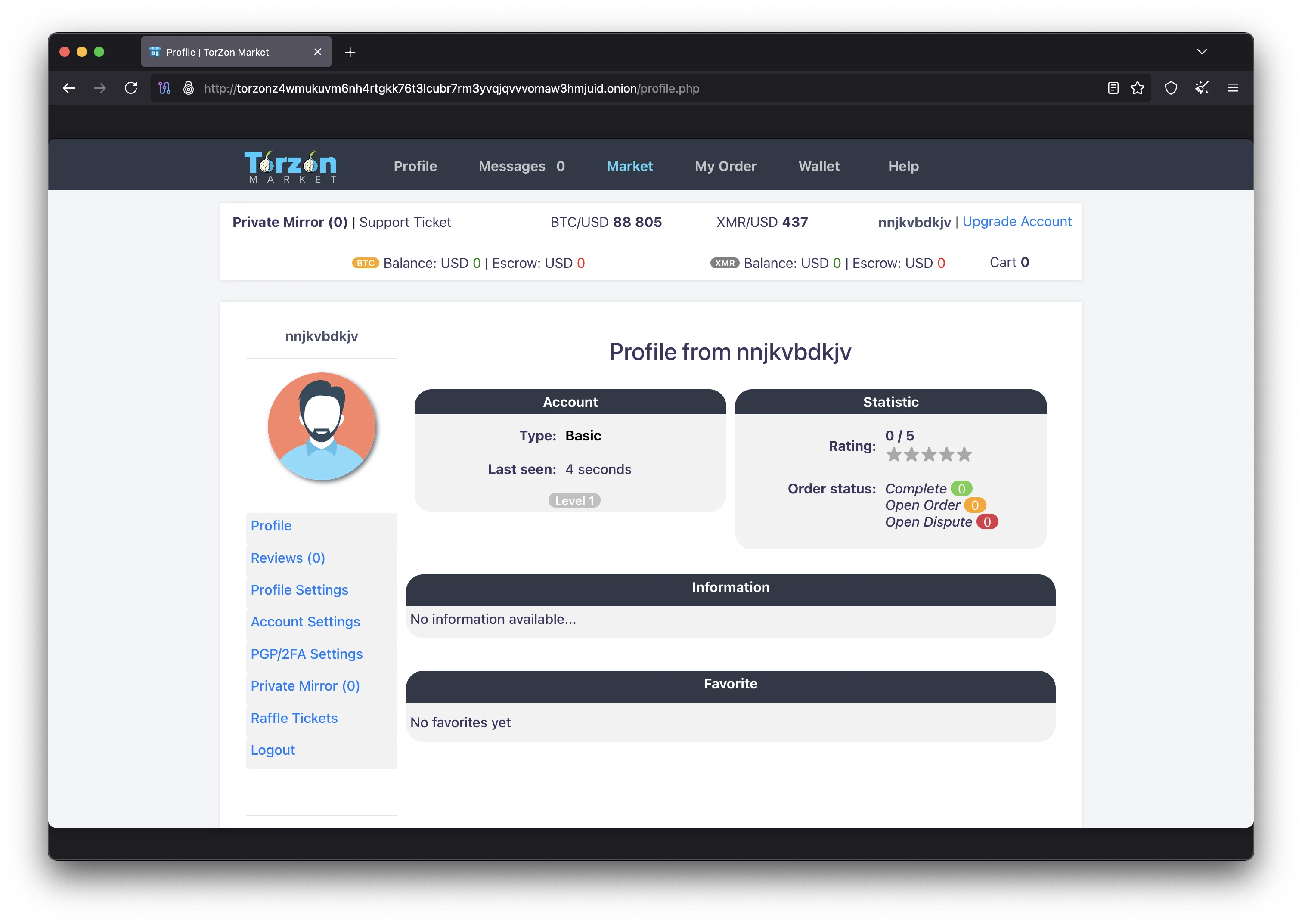
For maximum privacy, run your own Monero node locally and connect through Tor. This prevents remote node operators from logging your IP address alongside your transaction queries. If running a full node is not practical due to disk space requirements (the Monero blockchain is approximately 170 GB), use a trusted remote node and configure your wallet to connect through a Tor SOCKS proxy (typically localhost:9050 when Tor Browser or the Tor daemon is running). Feather Wallet is a lightweight alternative that connects through Tor automatically and is suitable for users who do not want to run a full node.
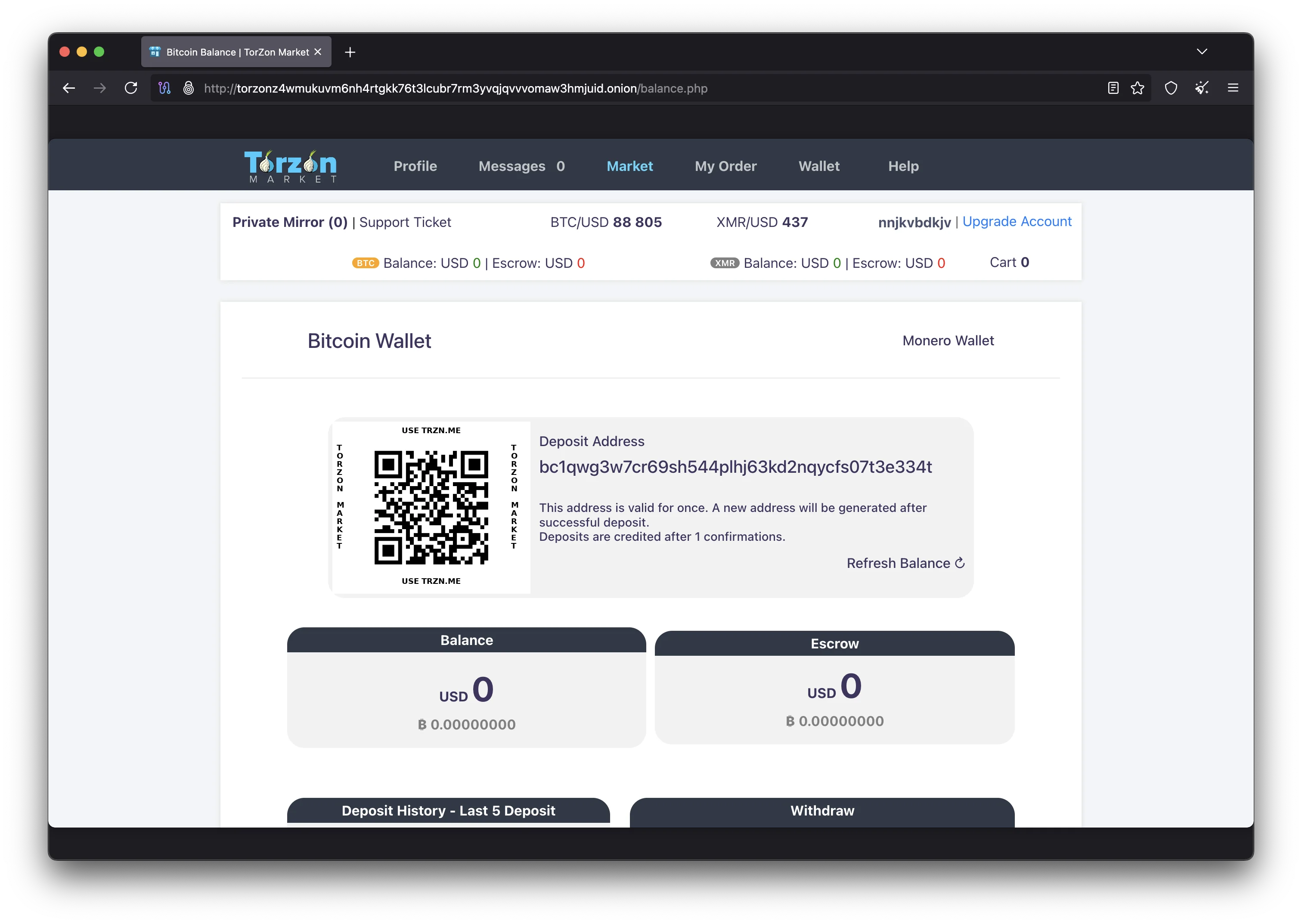
For Bitcoin, use a dedicated wallet that has never been connected to your real identity. Electrum is available on Tails by default and can connect through the Tor network. Create a new wallet specifically for Torzon marketplace transactions — never reuse a wallet associated with exchange accounts or real-world purchases. When sending Bitcoin to the Torzon marketplace, consider sending through multiple intermediate wallets with different amounts and time delays to make chain analysis more difficult. The Torzon 2-of-3 multisig escrow system works with both BTC and XMR, protecting funds for both buyer and seller on Torzon regardless of which cryptocurrency you use.
Accessing the Torzon Marketplace
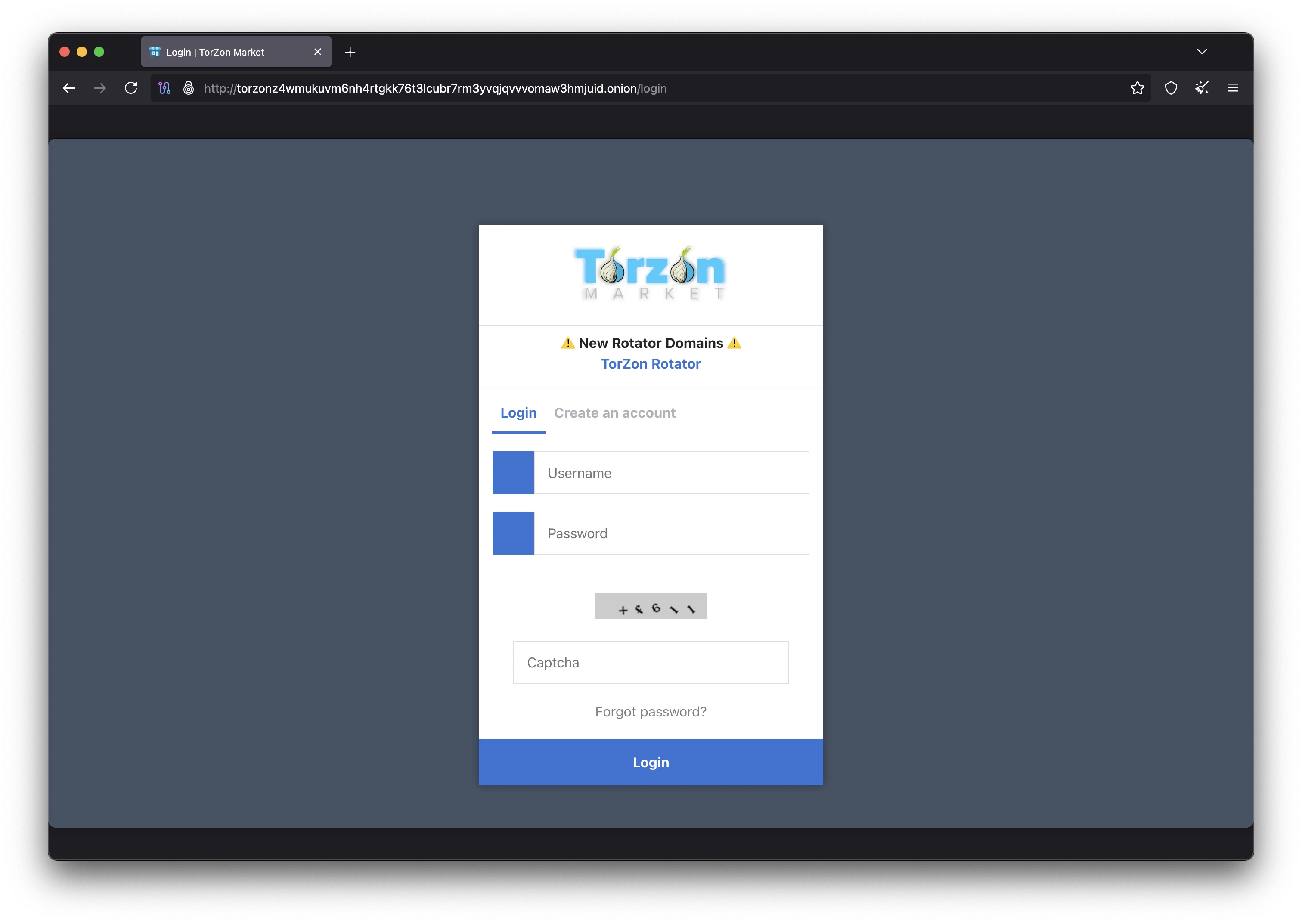
With Tor Browser configured, your PGP keys generated, and your cryptocurrency wallet ready, you can now access the Torzon marketplace. Paste the verified .onion address into the Tor Browser address bar: torzonz4wmukuvm6nh4rtgkk76t3lcubr7rm3yvqjqvvvomaw3hmjuid.onion. The connection will take several seconds as Tor establishes a circuit of three encrypted relays between your machine and the Torzon hidden service. Once the page loads, you should see the marketplace login or registration page.
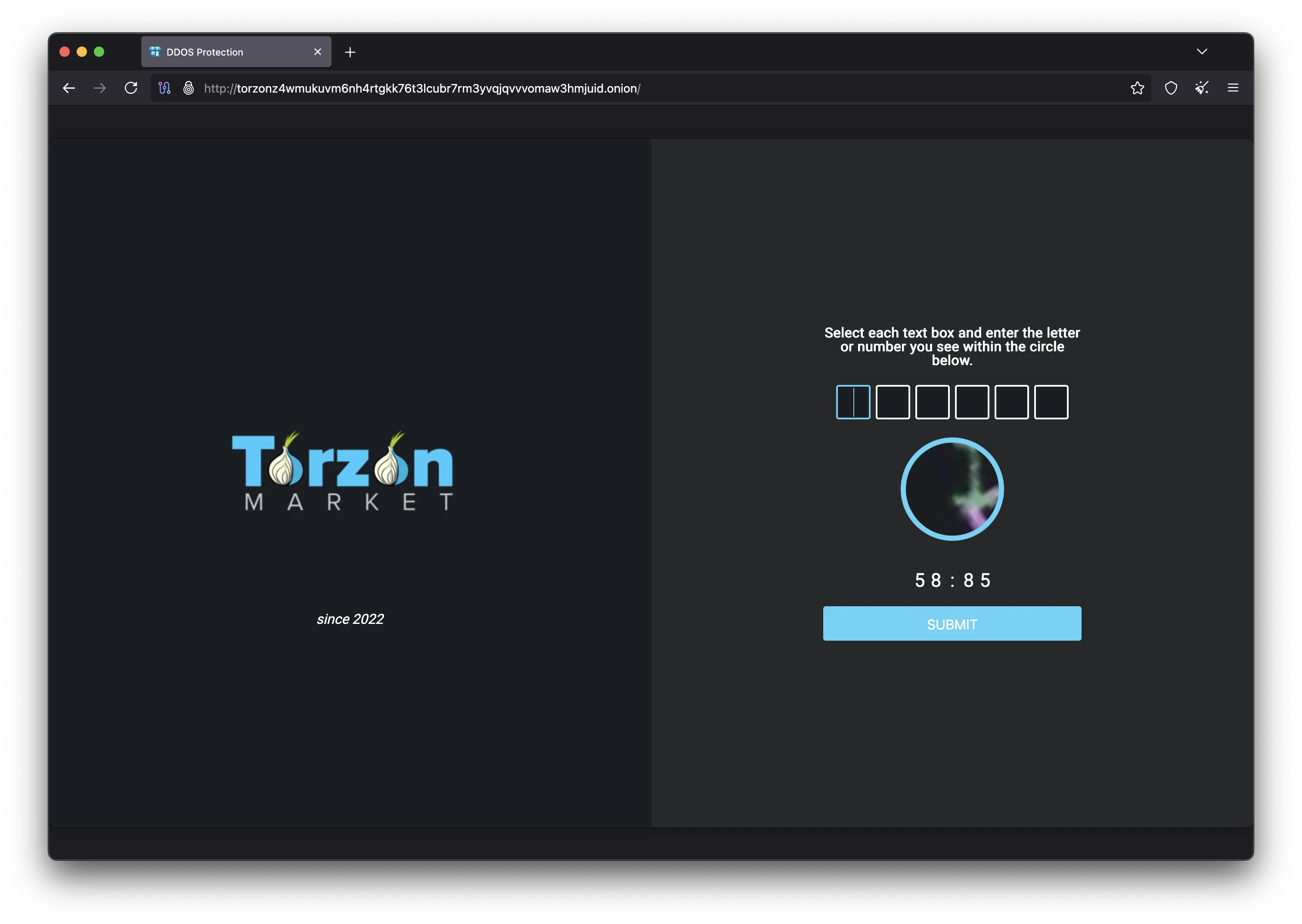
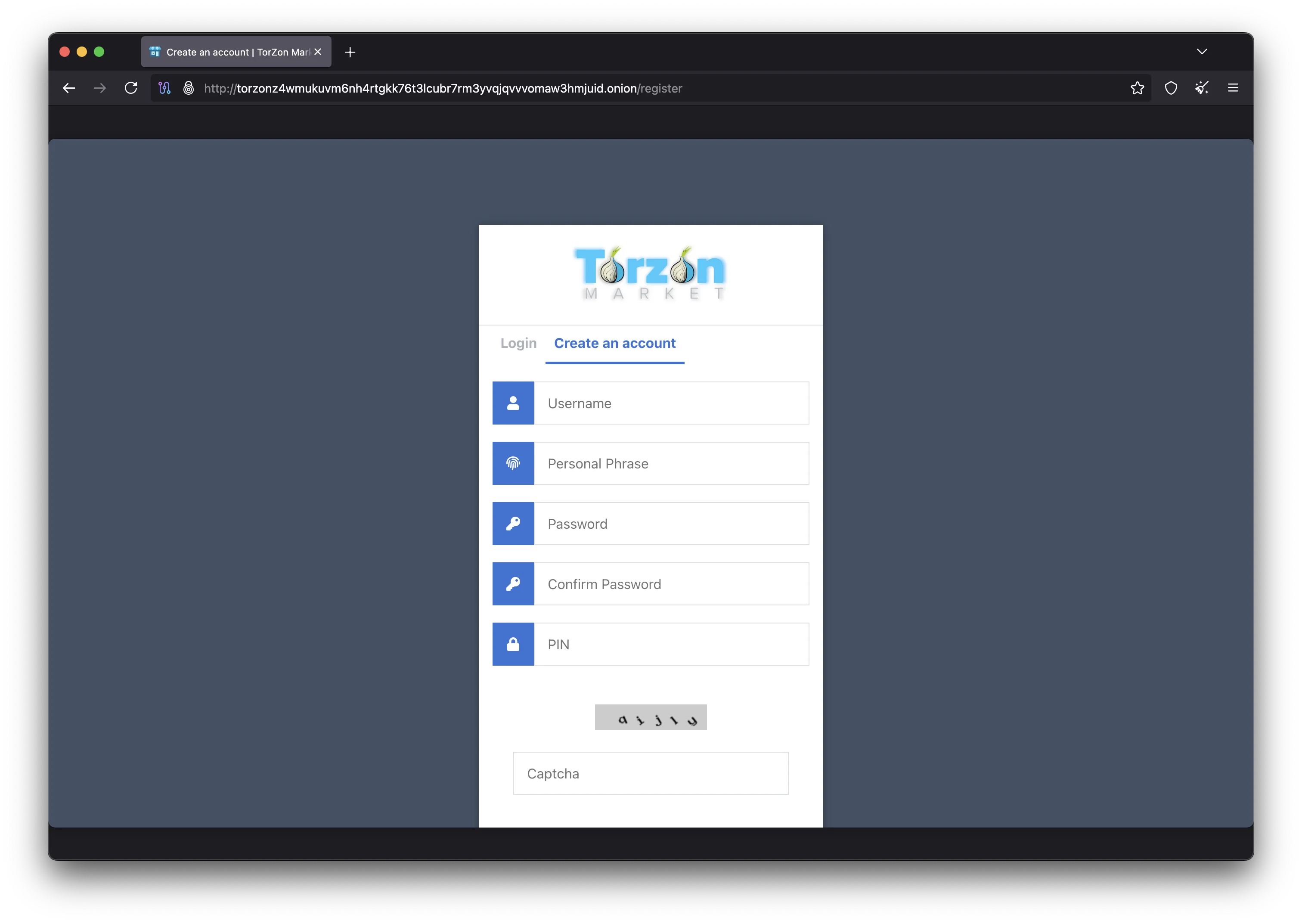
For new users, the registration process asks for a username, a passphrase, and your PGP public key. Choose a Torzon username that does not relate to any other account you own on any platform. Create a strong passphrase and store it in KeePassXC. Paste your full PGP public key (the ASCII-armored text starting with -----BEGIN PGP PUBLIC KEY BLOCK-----) into the key field. After registering, the platform will prompt you to configure your anti-phishing settings: type a personal security phrase, select a security image from the Torzon library, and pick a color scheme for your Torzon login page. Memorize your security phrase and what your chosen image looks like — these are your first line of defense against phishing sites.
For returning users, the Torzon login page displays your anti-phishing elements before you enter credentials. Verify that your personal phrase is exactly correct, the security image matches what you chose, and the color scheme is right. If anything is off, you are likely on a phishing site. Close the browser tab, verify your .onion address again with PGP, and try a different mirror from links.torzondnm.world. If PGP 2FA is enabled, you will receive an encrypted challenge after entering your username and passphrase. Decrypt it with your private key using gpg --decrypt and submit the plaintext to complete login. Visit the official Torzon page for the latest marketplace information and announcements.
Advanced Security Tips for Torzon Users
The following recommendations are for users who want to go beyond basic Tor Browser access and implement defense-in-depth security when using Torzon Market. These advanced measures address threats such as endpoint compromise, physical device seizure, metadata leakage, and operational security failures that basic Tor usage alone does not cover. Each layer adds legitimate, protected access to the platform.
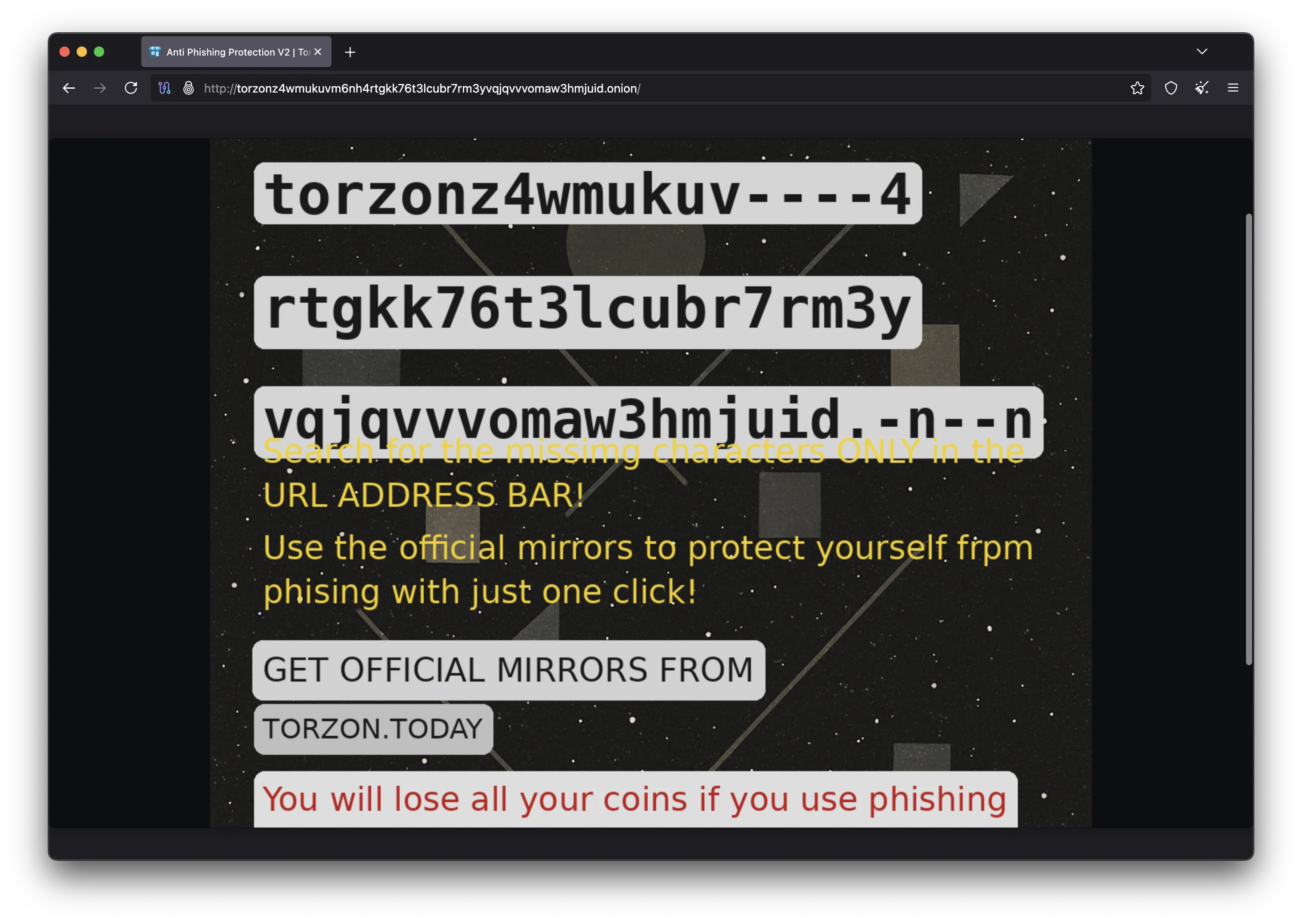
Whonix inside Qubes OS is the gold standard for secure Torzon access. Qubes uses Xen virtualization to isolate applications in separate virtual machines called qubes. The Whonix gateway qube handles all Tor routing, while the Whonix workstation qube runs your applications. Network traffic from the workstation can only reach the internet through the Tor gateway — there is no way for malware in the workstation to bypass Tor or leak your IP address, even at the kernel level. Each qube has its own filesystem, clipboard, and network stack. You can run multiple disposable qubes for different Torzon sessions, and each one starts clean with no data from previous sessions.
Use KeePassXC for all credential management across your Torzon marketplace activity. Generate random passwords of at least 20 characters for each account and store them in an encrypted KeePassXC database. Never type marketplace passwords manually when you can copy-paste from KeePassXC instead, as this eliminates the risk of keylogger attacks. For sensitive files that you need to store locally, create an encrypted VeraCrypt volume with a strong passphrase. Use hidden volumes for plausible deniability if you are concerned about physical seizure of your devices. When you need to transfer files securely, OnionShare creates temporary onion services for peer-to-peer file sharing over Tor without requiring a third-party server.
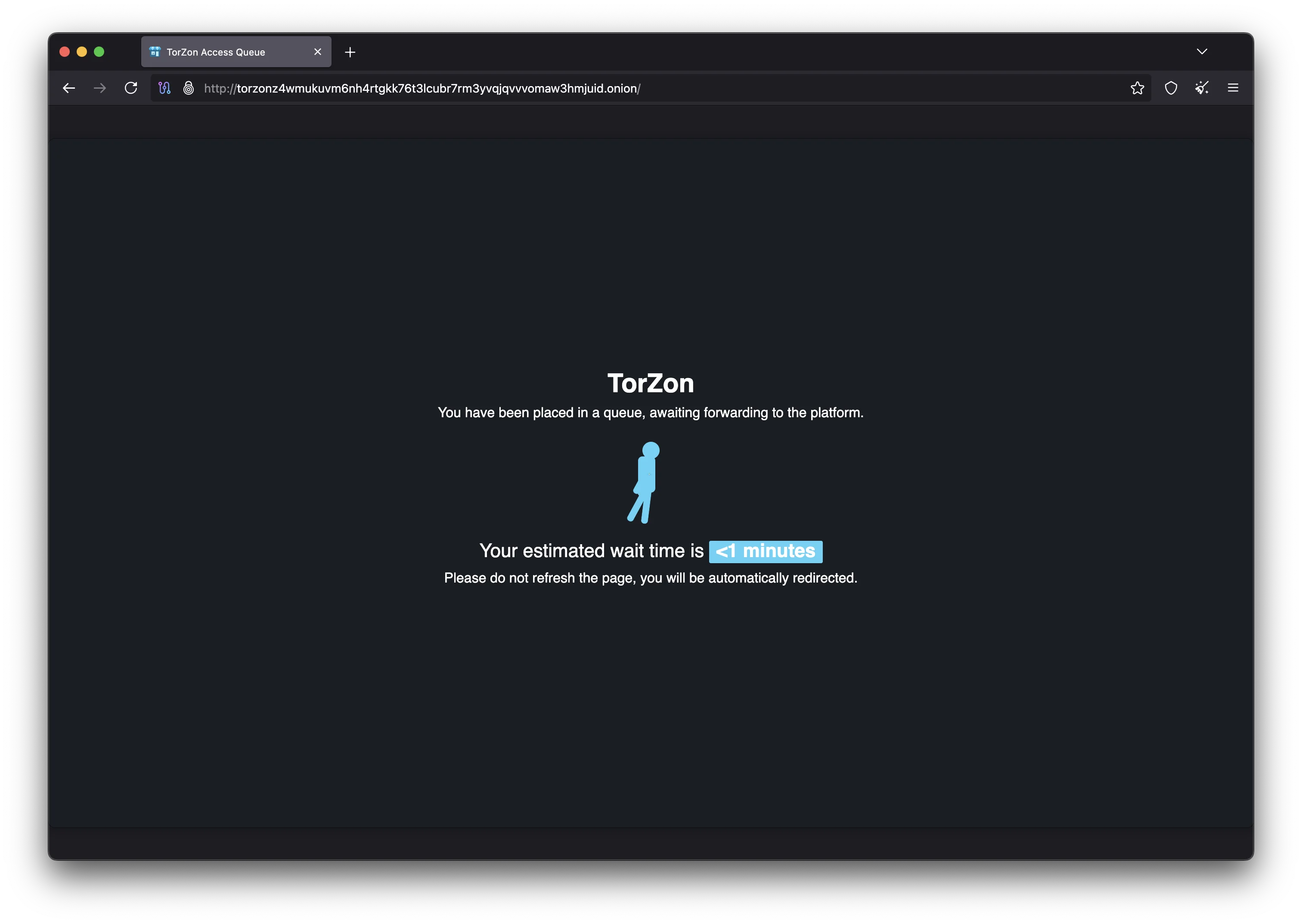
Review the Privacy Guides website for current recommendations on operating systems, browsers, encryption tools, and communication platforms. The threat landscape changes constantly, and tools that were considered safe six months ago may have disclosed vulnerabilities or changed their data collection practices. Subscribe to security advisories from the Tor Project, Tails, Whonix, and Monero projects to stay informed about updates that affect your Torzon access security. Keeping your Torzon-related software up to date is one of the simplest and most effective security measures you can take. For Torzon mirror status updates, bookmark links.torzondnm.world and check before each session. The official Torzon page also provides announcements about platform changes and security advisories.
Setup and Security Questions
Common questions about the tools and configuration covered in this Torzon access guide, from Tor Browser settings to cryptocurrency wallet setup and advanced security configurations.
A basic setup with Tor Browser and PGP key generation takes approximately 15 to 20 minutes. Adding Tails OS requires another 15 minutes to download and flash the USB image. Configuring a Monero wallet takes about 10 minutes. A full setup with Whonix on Qubes OS takes one to two hours including operating system installation. Most first-time users can access the Torzon marketplace within 30 minutes by following the Tor Browser and PGP sections of this guide.
Tor Browser is available for Android through the official Tor Project download page. You can technically access the Torzon marketplace from an Android device, but mobile access is less secure than using a desktop computer. Mobile operating systems have larger attack surfaces, and phones may leak metadata through cellular connections, GPS, Bluetooth, and accelerometer data. For best security, access the Torzon platform from a desktop computer running Tails or Whonix. If you must use Android, disable all radios except WiFi and use the Safest security setting.
If you lose access to your PGP private key or forget the passphrase, you will not be able to complete PGP 2FA login on the Torzon marketplace. There is no password reset mechanism for PGP-based authentication. This is why storing your passphrase in KeePassXC is strongly recommended. Generate a new key pair, and you will need to create a new Torzon account with the new public key. To prevent this situation, keep an encrypted backup of your PGP key and KeePassXC database in a secure, separate location.
The only reliable way to distinguish a real Torzon mirror from a phishing site is PGP signature verification. Download the signed mirror list from an official source and verify the signature with the Torzon public key. If the signature is valid, the links in the file are genuine. Visual inspection alone is not sufficient because phishing sites can replicate the Torzon interface perfectly. After loading a verified link, check your anti-phishing elements (security phrase, image, and color scheme) before entering any information. Never trust Torzon links shared through unverified channels.
Monero provides the strongest transaction privacy of any widely-used cryptocurrency. Its ring signatures, stealth addresses, and RingCT mathematically prevent observers from determining the sender, receiver, or amount of any transaction. Multiple peer-reviewed academic papers have confirmed the effectiveness of Monero's privacy protocols. However, operational security mistakes can still create linkages — for example, converting Monero from a KYC exchange directly to a marketplace deposit address. Always use a personal wallet as an intermediate step and connect through Tor when interacting with the Monero network.
Yes, keeping Tor Browser and Tails updated is one of the most important security measures for safe Torzon access. Both projects release updates that patch known vulnerabilities, improve anonymity protections, and update the underlying software components. Tor Browser checks for updates automatically and will notify you when a new version is available. Tails can perform automatic updates through its built-in updater. Never ignore update notifications, as running outdated software exposes you to known exploits that attackers actively target against darknet marketplace users.
Your ISP can see that you are connecting to the Tor network, but they cannot see what you do inside Tor, including whether you visit the Torzon marketplace or any other .onion address. All traffic between your computer and the Tor entry relay is encrypted. If you want to hide your Tor usage from your ISP, use Tor bridges (unlisted relays designed to circumvent censorship) or connect to Tor through a VPN. Tails includes built-in bridge configuration, and Tor Browser lets you add bridges in the connection settings before connecting to the network.
Your Torzon Setup Is Complete
You now have all the tools and knowledge needed to access the Torzon marketplace with proper security in place. Use the verified onion address with your configured Tor Browser, authenticate with PGP 2FA, and transact with Monero for maximum privacy on the platform.
Last updated: February 18, 2026